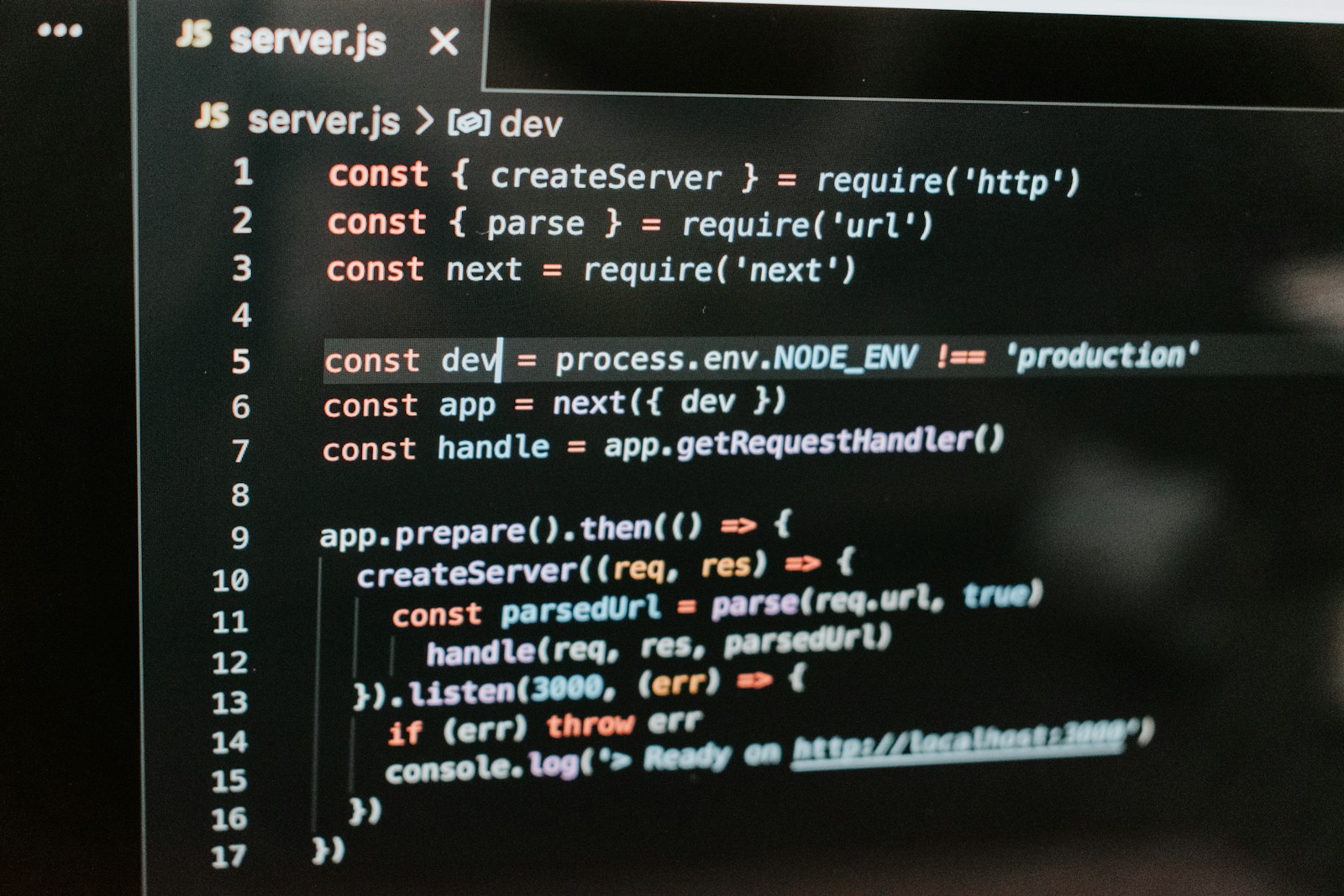
Starting a blog in 2025 feels more exciting than ever, especially with powerful tools like Next.js at my fingertips. I know how important it is to stand out online, and building a blog that’s both fast and SEO-friendly gives me a real edge. Next.js isn’t just about slick design—it’s about making sure my content gets noticed by both readers and search engines.
I’ve seen firsthand how the right setup can boost visibility and help my blog grow from day one. If you’re ready to create a blog that’s easy to manage and ranks well on Google, you’re in the right place. Let’s dive into the basics and get your Next.js blog off the ground the smart way.
Why Choose Next.js for Your Blog in 2025
Next.js powers high-performance blogs with modern JavaScript on the React framework, supported by Vercel. I use built-in static site generation to enable lightning-fast load times and instant page transitions. I access advanced routing, built-in API support, and image optimization out of the box for an edge in SEO competitiveness. Incremental static regeneration keeps my content fresh without full redeployment, which boosts efficiency. Server-side rendering allows pre-rendered, indexable pages, enhancing search engine visibility, per Google Search Central guidelines.
I leverage automatic code splitting to ensure browsers load only what each page needs, so bounce rates stay low. Integration with headless CMS platforms—like Sanity, Contentful, and Strapi—lets me scale my blog while maintaining clean code and fast browsing. Deep support for metadata management through components like next/head allows me to add structured data, canonical links, and Open Graph tags for better discoverability.
By picking Next.js, I maximize technical SEO, ensure future-readiness by following the latest web standards, and access a vibrant open-source ecosystem. These vectors position me to build a blog that performs, ranks, and grows in 2025.
Essential Tools and Prerequisites
To set up my Next.js SEO-friendly blog in 2025, I make sure I have Node.js and npm or Yarn installed before starting any development. These tools allow me to create, run, and maintain a Next.js project with ease.
I rely on a code editor like Visual Studio Code for efficient code management, syntax highlighting, and built-in linting while building my SEO-ready blog. A working knowledge of React concepts and the structure of the Next.js framework helps me navigate file-based routing and reusable components confidently.
When managing content, I choose between MDX, which lets me blend Markdown and React components for flexible post layouts, or a headless CMS such as Strapi or Prismic for more scalable publishing workflows and collaborative editing. Both options allow me to retain strong SEO metadata for every blog post.
For SEO enhancement, I utilize Next.js’s built-in next/head to add essential metadata tags to each page. When I want more structured data and easier management of JSON-LD, Open Graph, or robots tags, I install the next-seo library. This combination supports advanced search engine optimization directly within my codebase.
Using these core tools ensures my setup meets current technical standards, helps my blog rank better, and supports modern SEO strategies.
Setting Up Your Next.js Project
Setting up my Next.js project creates the foundation for an SEO-friendly, high-performance blog in 2025. I follow a streamlined process, from initializing the app to installing only essential dependencies for both scalability and maintainability.
Installing Next.js and Dependencies
I start by creating my Next.js app using:
npx create-next-app@latest your-blog-name
This scaffolds a React-based environment with file-based routing, built-in SSR, and SSG. To keep the stack concise and robust, I selectively install dependencies. For relational database integration, I add Prisma and its client with:
npm install prisma @prisma/client
For managing SEO and metadata, I rely on Next.js’s built-in next/head, so I avoid extra libraries like react-helmet unless project-specific needs arise. This approach minimizes bloat and leverages native Next.js SEO features.
Structuring Your Project for Scalability
I lay out my folder structure to promote scalability. Under the pages or app directory, I organize routes for content clarity:
pages/index.jsholds my home page logicpages/posts/[slug].jsdefines individual blog posts with dynamic, SEO-optimized URLs
I separate UI elements such as the Navbar and PostCard into a components directory, improving code reuse and readability.
For data consistency, I define my blog’s schema in Prisma. Each blog entry includes fields for title, description, slug, metaTitle, metaDesc, publishDate, authorName, createdAt, and updatedAt. This schema keeps my content structured for both efficiency and search visibility.
By maintaining this modular setup and focusing on semantic organization, I ensure my Next.js blog scales smoothly, supports SEO, and adapts to future requirements.
Implementing SEO Best Practices in Next.js
In 2025, running an SEO-friendly Next.js blog means using the latest optimizations to increase search visibility and user engagement. I combine dynamic rendering, metadata enhancements, and performance tools to maximize indexing and ranking.
Optimizing Metadata with next/head
I use the next/head component to set unique metadata for each page of my blog. Customizing the <title>, description, canonical URL, and open graph tags for every post improves my click-through rates and search relevance. When I define social tags and canonical links, search engines index my content accurately, and social media shows consistent previews. With the App Router, I export metadata for the same precise control as next/head in the Pages Router.
Creating SEO-Friendly URLs and Routing
I structure my blog URLs to be short, descriptive, and keyword-focused, such as /blog/seo-best-practices, which clarifies my content focus to both users and search engines. Next.js file-based routing ensures my site maintains clean URL paths by default, and I use dynamic routes for individual articles. This logical hierarchy improves crawlability and user navigation, while eliminating unnecessary parameters keeps URLs accessible and shareable.
Enhancing Performance for Better Rankings
Server-side rendering and static site generation provide fully-rendered pages to crawlers, increasing crawlability and interaction speed. I leverage Incremental Static Regeneration (ISR) to keep content fresh without sacrificing load times. Responsive layouts and the Next.js Image component optimize my images for core web vitals. With the release of streaming metadata in Next.js 15.2+, I reduce rendering delays, further boosting performance signals that influence rankings. Monitoring with tools like Google PageSpeed Insights lets me identify bottlenecks, often achieving up to 70% improvement in FCP and TTI.
Adding Content and Managing Blog Posts
Adding and managing content efficiently powers a scalable SEO-friendly Next.js blog. I streamline publishing workflows by choosing the best fit between Markdown-based authoring and a headless CMS to support both technical and non-technical contributors.
Integrating Markdown or a CMS
Integrating Markdown or a headless CMS transforms how I add and update blog posts. I use Markdown or MDX files in my repository for developer-centric control, taking advantage of Next.js’s getStaticProps to generate each static blog page. Parsing frontmatter metadata with packages like gray-matter gives me automated SEO meta tags, titles, and slugs for every post. If I want more dynamic updates or support for non-technical content editors, I connect a headless CMS like Prismic. A CMS separates content from code, letting users manage posts through an intuitive interface while Next.js’s API routes fetch and display up-to-date entries. This hybrid content workflow means my blog scales easily as my team or content volume grows.
Structuring Blog Posts for Readability
Structuring blog posts for readability improves user experience and boosts SEO. I write content using semantic HTML elements—such as <article>, <section>, and headings from <h1> to <h6>—to define clear document structure. I break longer posts into smaller sections, each with concise headings, so readers quickly skim content. I add post metadata, like excerpts and meta descriptions, using Next.js’s <Head> component for enhanced search and social sharing. I maintain layout consistency, including a global navbar, so readers navigate posts easily. These practices create well-organized articles the search engines and users value for clarity and discoverability.
Monitoring and Improving Your Blog’s SEO
Ongoing SEO monitoring ensures my Next.js blog ranks high and grows organic traffic. I prioritize analytics, auditing, and optimization workflows to maintain technical and content performance.
Using Analytics and Search Console
I track my site’s SEO health with Google Analytics and Google Search Console. Google Analytics provides daily insights into user sessions, popular pages, and referral sources, helping me spot trends and high-performing posts, like tech tutorials or product reviews. Google Search Console reveals which queries drive impressions and clicks, shows indexing status, and flags crawl errors. When I notice coverage issues or excluded URLs, I investigate sitemaps and robots.txt config to resolve them quickly. These tools highlight gaps or broken links impacting indexing, keeping my blog compliant with best practices.
Updating and Auditing Content Regularly
I schedule quarterly audits of my blog content to maintain SEO relevance. During audits, I review metadata for accuracy, update outdated information in tutorials or news summaries, and refresh popular posts with new resources or examples. I fix broken internal or external links to preserve crawl flow. I check schema markup and structured data to confirm they match current best practices. By adding new content frequently, such as case studies or niche guides, I signal ongoing relevance to search algorithms. Regular audits keep my Next.js blog technically sound and valuable for both search engines and readers.
Conclusion
Building an SEO-friendly blog with Next.js in 2025 sets a strong foundation for growth and visibility. With the right setup and ongoing attention to best practices, I can ensure my content stands out and reaches the right audience.
By staying proactive with performance optimization and regular updates, my blog remains both user-friendly and search engine ready. I’m excited to see how my Next.js blog evolves and thrives in the ever-changing digital landscape.