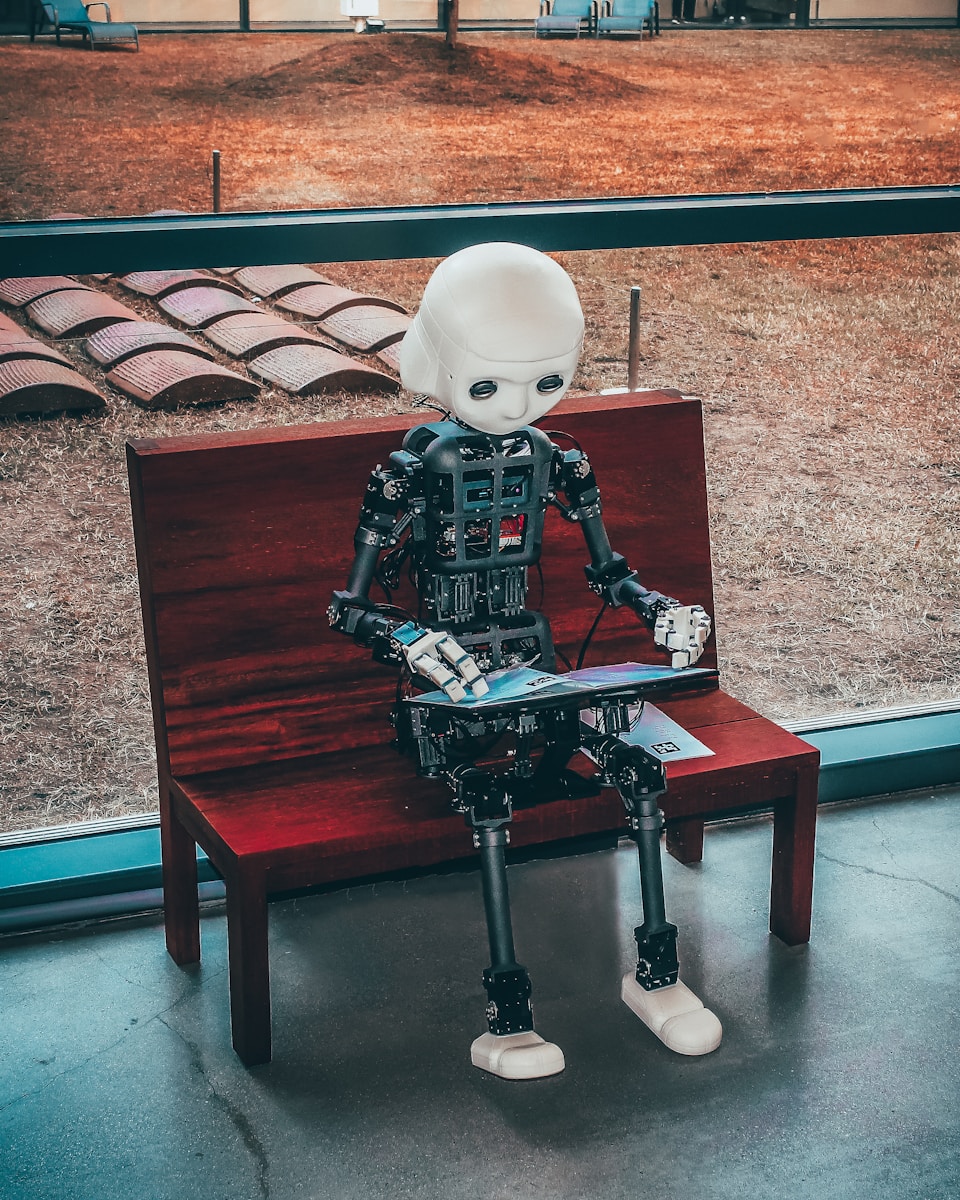
Every year I see new AI tools reshape how web designers work but 2025 feels different. The latest wave of innovation isn’t just about speeding up workflows—it’s changing how I approach creativity and problem-solving from the ground up.
I’ve explored the newest AI-powered platforms and features that promise smarter design suggestions, real-time collaboration, and even automated code generation. Whether I’m building a portfolio site or crafting an e-commerce experience these tools are making complex tasks feel effortless. If you’re curious about what’s shaking up web design this year you’re in the right place.
The Growing Role of AI in Web Design
AI powers key advancements in web design by streamlining repetitive tasks and enabling smarter decision-making. I create layouts faster through AI-driven wireframing tools that generate responsive designs based on user input and project data, such as Figma’s AI features or Wix ADI. I leverage machine learning algorithms to access real-time feedback on visual consistency, accessibility, and SEO best practices.
Collaboration changes as AI-driven platforms like Adobe Sensei automate asset generation and style matching, supporting teamwork across different locations. When I use these platforms, I quickly iterate on ideas and validate concepts with predictive analytics and user testing simulations.
Automation extends to code generation through tools like GitHub Copilot and Uizard. I generate functional components for interactive prototypes and production-ready websites, increasing my productivity and reducing manual errors.
Personalization deepens when I employ AI tools that analyze user data and behaviors, supporting dynamic content delivery and adaptive interfaces. I see how AI tailors typography, imagery, and content blocks to fit each visitor, enhancing engagement on landing pages, blogs, and e-commerce sites.
My creative process evolves as AI tools prompt me with layout suggestions, color palettes, and design motifs derived from trending patterns and brand guidelines. I now approach design iterations with contextual insights, leveraging these platforms to stay competitive in a rapidly changing digital landscape.
Key Features to Look for in 2025 AI Tools
AI tools in 2025 bring transformative capabilities to web design, letting me accelerate workflow and get sharper results. I focus on features that support efficient teamwork, real-time feedback, and universal accessibility throughout my creative process.
Enhanced Collaboration Capabilities
Collaboration enhancements define 2025 AI tools. Platforms like UXPin Merge let me integrate live code-based components right in the design canvas, so designers and developers work together directly with production-ready assets. Instant syncing between mockups and code keeps edits unified, shortens review cycles, and supports faster handoffs across teams, even when remote. These robust collaboration layers allow my team to iterate and deploy design changes without bottlenecks.
Real-Time Design Suggestions
Real-time design feedback powers new AI platforms. With tools like Wix, I get immediate, AI-driven suggestions as I build—ranging from thematic layout switches to specific image edits such as background or object removal. The AI chatbot guides my creative decisions, offering new layouts or regenerating entire styles instantly based on my ongoing inputs. This context-aware advice streamlines prototyping and lets me refine websites rapidly, boosting quality and creativity for every project.
Automated Accessibility Checks
Automated accessibility checks form a core pillar of advanced AI design tools. AI platforms now inspect each site for compliance with major accessibility guidelines such as the ADA, flagging contrast or navigation issues before launch. Instant remediation suggestions appear in the design phase, not after deployment, so I catch compliance problems early. This continuous accessibility monitoring gives every project a solid foundation for inclusive user experiences across devices and audiences.
Top AI Tools for Web Designers in 2025
AI tools in 2025 drive web design by automating layout creation, optimizing asset workflows, and introducing smarter voice-based controls. These innovations transform my creative process, streamline development, and open new options for accessibility and efficiency.
AI-Powered Layout Generators
AI-powered layout generators like Jimdo, Dorik AI, Framer, and Relume change how I create website structures. Jimdo and Dorik AI quickly generate entire websites without coding, using AI to suggest layouts and design patterns based on a few user prompts. Framer and Relume let me refine wireframes and add advanced design options, integrating chatbot-style interactions for easy customization. Wix AI Website Builder stands out by giving real-time, conversational design support and the ability to revise the layout after it’s generated, making iteration almost instant.
Intelligent Image and Asset Optimization
Intelligent image and asset optimization features ensure my content remains professional and loads efficiently. Wix offers AI tools for auto-background removal, image upscaling, object erasing, and image enhancement, helping me maintain visual consistency without third-party editors. These features not only streamline my workflow but significantly reduce website load times and improve the end-user experience, as high-quality, optimized images are critical for retaining site visitors.
Voice-Activated Design Assistants
Voice-activated design assistants make hands-free design possible, letting me control layout changes and generate navigation elements using simple voice commands. While these tools are rapidly evolving, they already facilitate greater accessibility and faster design workflows, especially valuable in collaborative or multitasking settings. By integrating voice prompts, I can speed up content generation and interact with design elements dynamically, marking an important step toward inclusive and efficient design environments.
How AI Is Transforming the Web Design Workflow
AI transforms the web design workflow in 2025 by automating manual tasks and driving faster, more adaptive processes. My design iterations gain speed and precision as AI handles repetitive chores and delivers real-time, data-driven suggestions.
Speeding Up Prototyping and Testing
AI speeds up prototyping and testing by generating customizable wireframes and mockups instantly. With tools like Wix ADI and 10Web, I create entire site layouts in seconds, then tweak components to fit project requirements. GitHub Copilot automates code suggestions from natural language prompts, streamlining development and reducing trial-and-error. UXPin Merge introduces live code components that let me build and test UI elements collaboratively, minimizing bottlenecks and iteration cycles.
Improving User Experience and Personalization
AI improves user experience and personalization by analyzing visitor data to tailor interfaces and content. Wix ADI uses algorithms to adjust layouts, themes, and visuals to match user behavior for each site visitor. AI image editors refine assets for brand consistency and accessibility, ensuring the visuals resonate with diverse audiences. By leveraging AI, my designs adapt quickly to shifting user preferences, delivering more engaging and intuitive sites across devices and platforms.
Choosing the Right AI Tool for Your Needs
Selecting an AI tool for web design in 2025 depends on the specific scope of my project, the level of customization I want, and my technical expertise. For rapid site creation without coding, I use platforms like Jimdo or Dorik AI, which generate sites through automated layouts and intuitive editors—ideal for small businesses and portfolio pages. When I require advanced WordPress integration and more control over plugins or live content editing, I choose 10Web because it streamlines setup through AI-powered workflows and supports real-time visual adjustments.
For projects that focus on detailed UX/UI design or need robust prototyping, I leverage tools like Framer, Relume, and UXPin Merge. These platforms combine AI assistance with sophisticated wireframing, asset management, and live collaboration between designers and developers. UXPin Merge, for example, merges code-based UI components with visual design, letting me maintain consistency across the design-to-development pipeline.
If accelerating development speed is my priority, I rely on GitHub Copilot for AI-driven code generation. Copilot interprets natural language prompts and suggests contextually accurate HTML, CSS, or JavaScript, reducing manual errors and repetitive coding tasks.
I determine my toolset by evaluating project requirements, including the complexity of the website, design flexibility, and collaboration needs. I maximize efficiency by focusing on a small set of specialized tools rather than juggling multiple overlapping platforms. If I want a streamlined, cohesive web design process, I match each AI-powered tool to a clearly defined project goal, leveraging automation, customization, and collaboration to deliver results quickly and consistently.
Conclusion
Staying ahead in web design means embracing the latest AI tools and understanding how they can elevate both the creative and technical sides of your projects. I’m excited to see how these advancements are pushing boundaries and making high-quality design more accessible than ever.
As AI continues to evolve, I’ll be keeping a close eye on new features and integrations that promise even greater efficiency and creative freedom. The future of web design looks brighter—and smarter—than ever before.